Terminal
Text size
Terminal
Shipyard provides a web terminal to access live console output, resource usage metrics, and shell access to all of your environments.
Usage
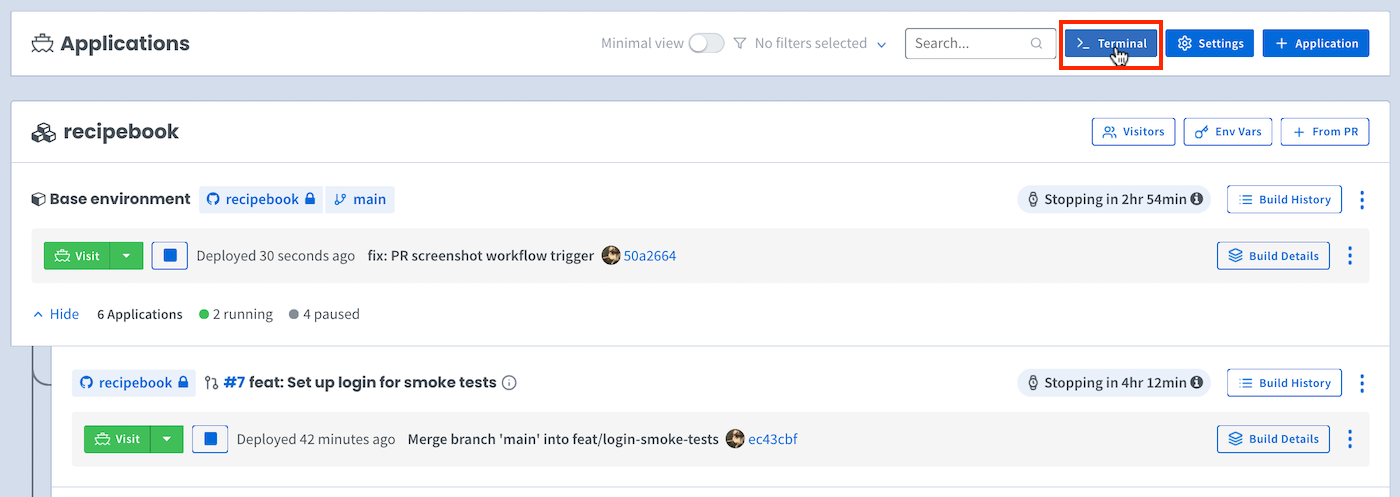
First, to access the terminal, click the Terminal button on the dashboard:
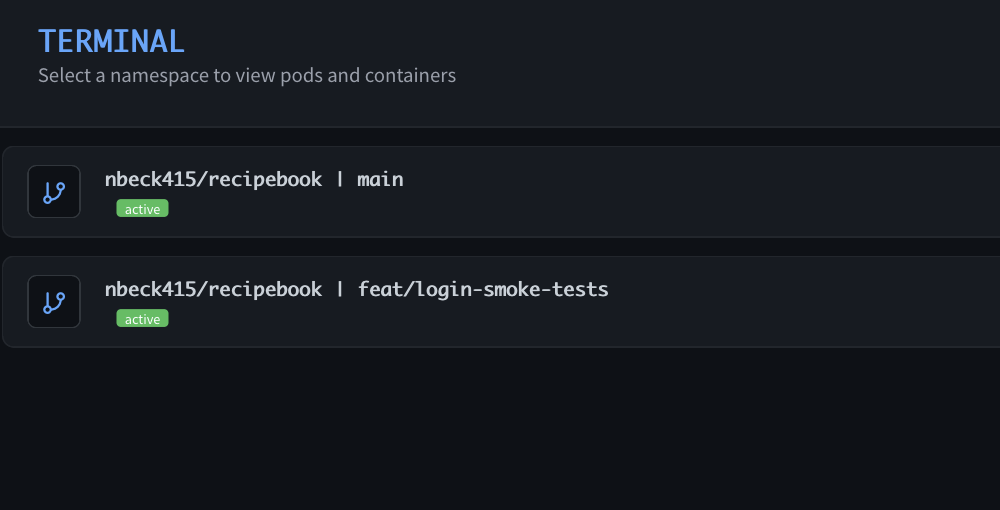
Select the environment (namespace) you want to inspect:
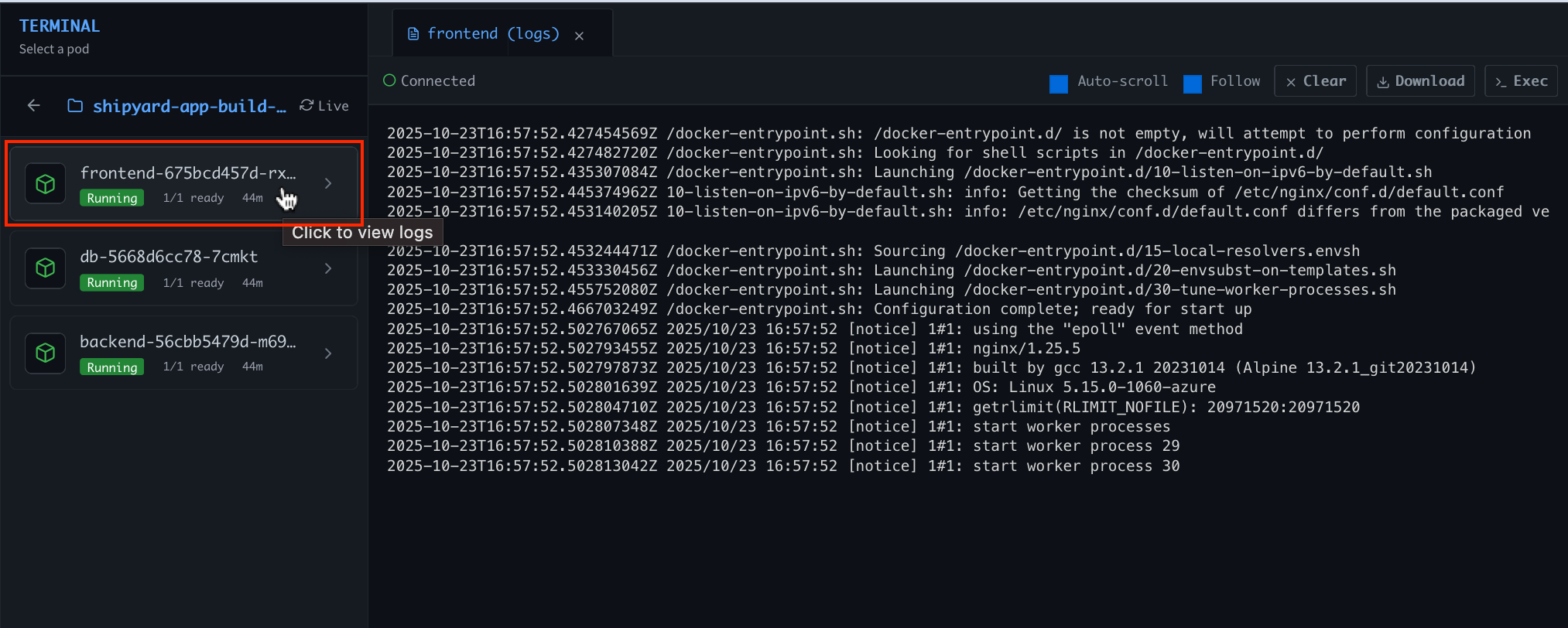
Live console output
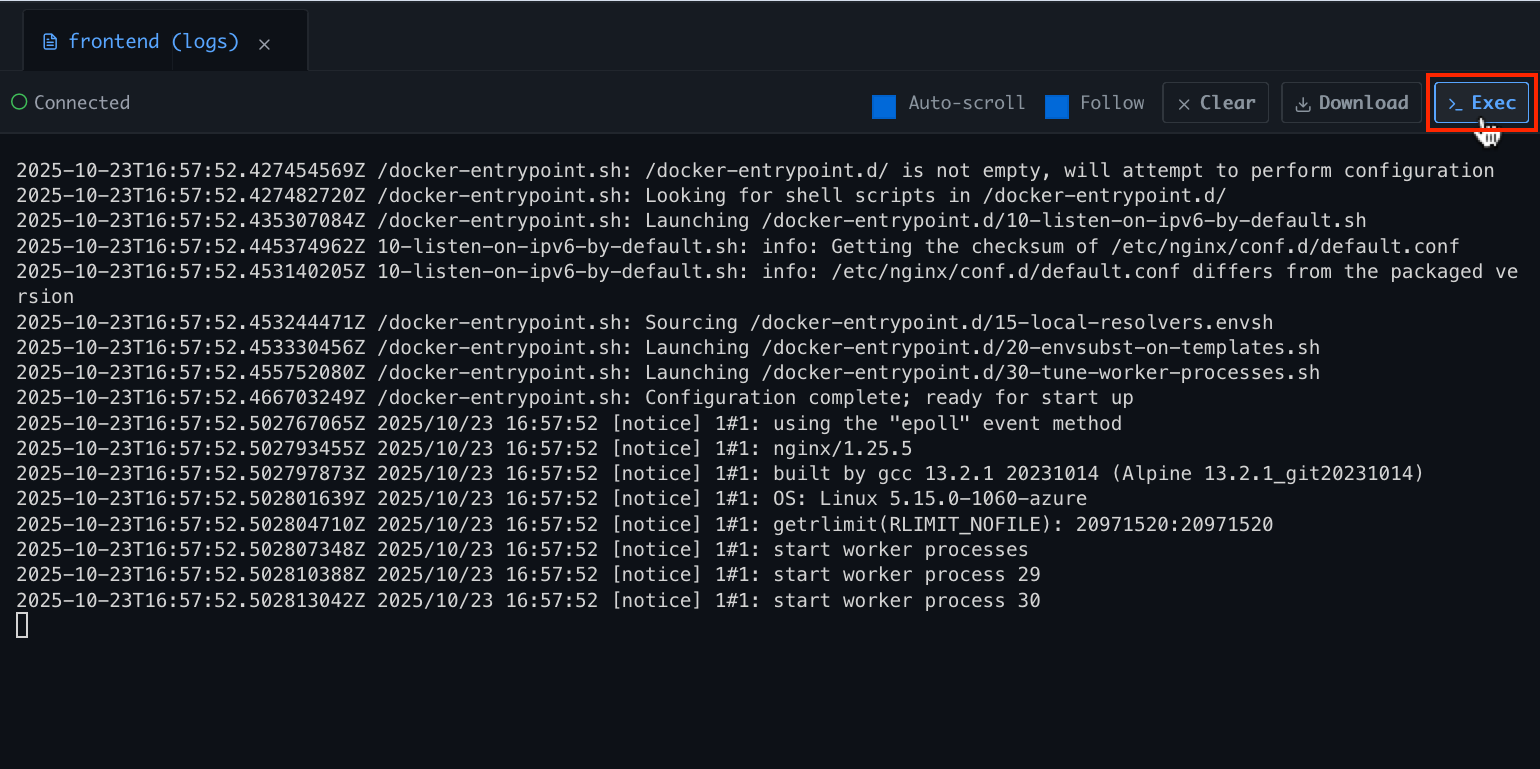
Select a service in the Pods panel to view its live console output:
Shell access
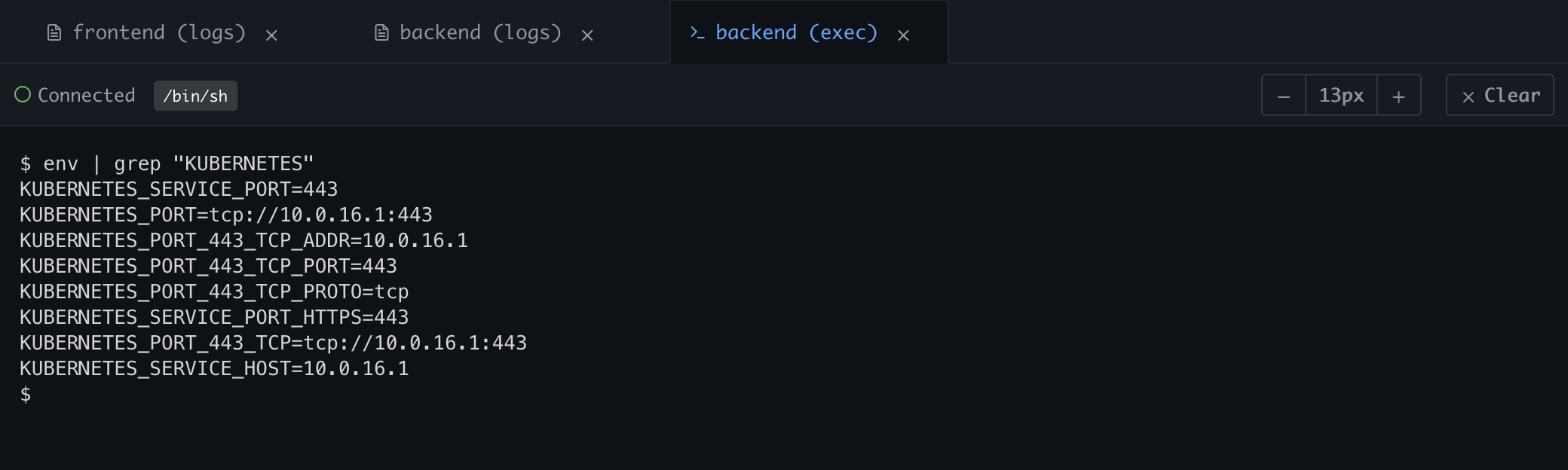
Click on a service in the Pods panel to select it, then click the Exec button to shell into that container: