Aiden for SRE
Platform
Text size
Aiden for SRE
Aiden for SRE is the reliability app in the workspace app rail. Open it by selecting Aiden SRE. It discovers entities across your observability and cloud integrations, triages alerts into operational buckets, and runs investigations you can continue in chat.
Enable or disable the SRE app for the workspace in Workspace Settings → Apps.
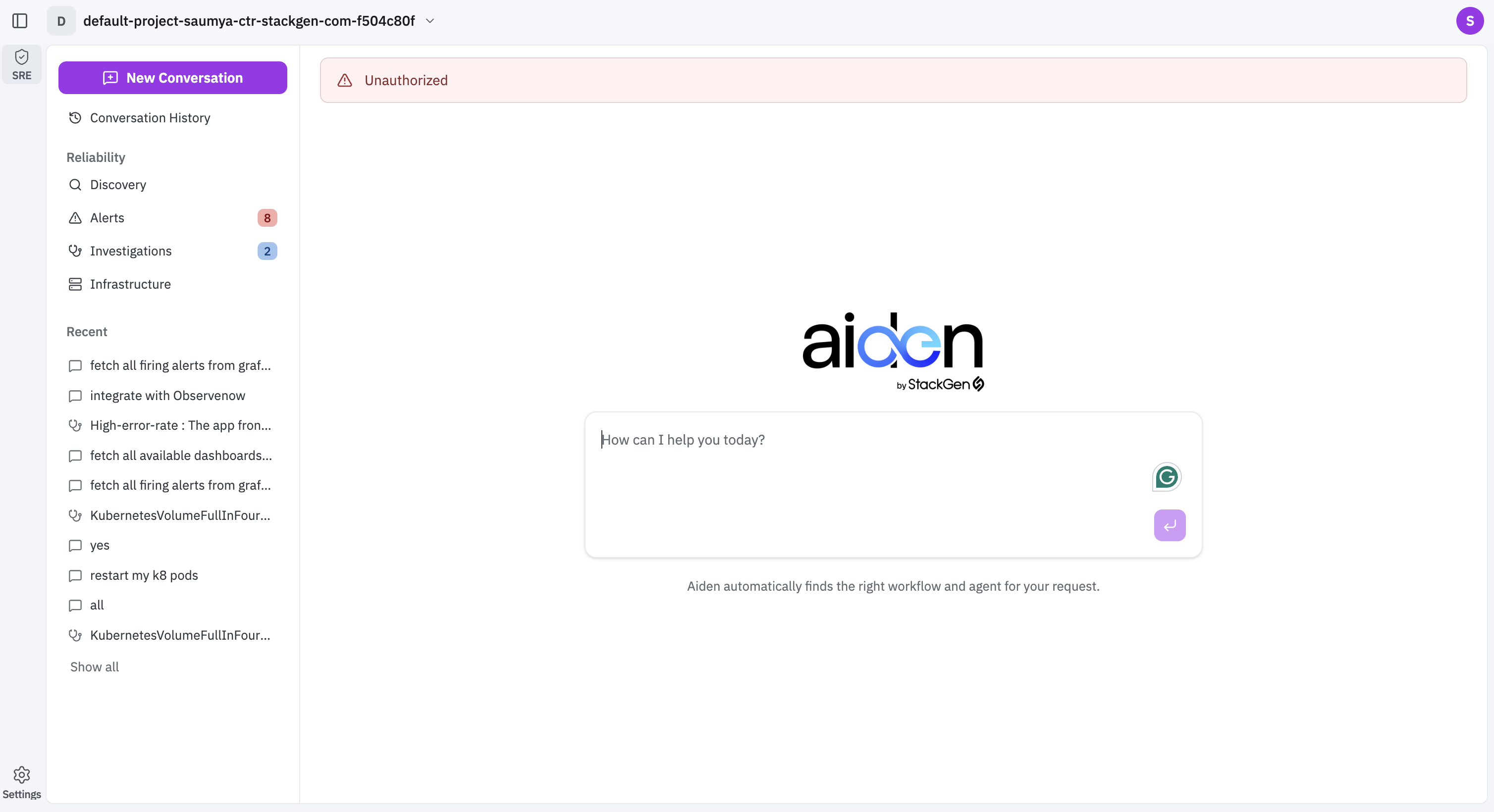
App tabs
Aiden for SRE has three primary tabs:
| Tab | What it is for |
|---|---|
| Discovery | Scan connected integrations, review discovered entities and insights, and check discovery history |
| Alerts | Triage ingested alerts, configure how alerts arrive, and import alerts on demand |
| Investigations | Review open and resolved investigations, filter by severity, and open investigation chat |
The Investigations tab shows a badge with the count of open investigations.
Header actions
These controls stay available across SRE tabs:
| Control | What it does |
|---|---|
| New | Opens a blank SRE chat with the prompt How can I help you today? Aiden routes the request to the right workflow or agent. |
| Conversation History | Opens the full list of SRE conversations so you can reopen, search, star, or archive past threads |
Conversation History
On Conversation History:
- Use All or Archived to switch list scope.
- Search with Search conversations.
- Click Show starred only to limit the list to starred threads.
- Click Refresh to reload the list.
- Use Archive conversation or Conversation menu on a row for per-thread actions.
- Click a conversation to reopen it.
Each row shows a title preview, the workflow or agent that handled it (for example stackgen-sre--investigate-alert), and how long ago it ran.