Profile Settings
Platform
Text size
Profile Settings
Profile settings apply only to your account. They do not change workspace or organization configuration.
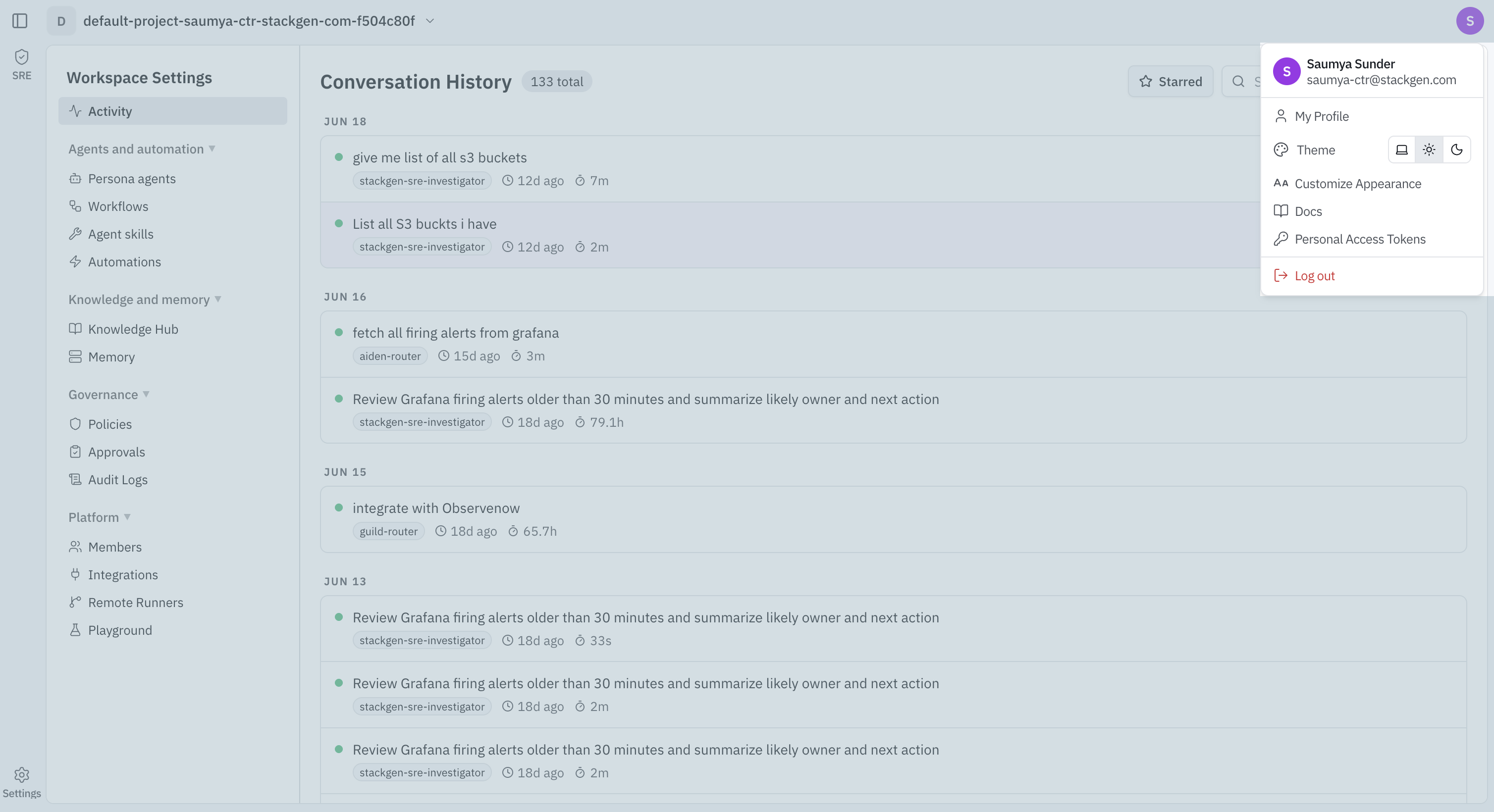
Open the account menu from your profile avatar (labeled My Profile plus your organization role) in the app rail.
What you can do
The menu also includes Docs (opens documentation) and Log out (ends your session). Use the organization switcher at the top of the menu when you belong to more than one organization.