Workspace Settings
Workspace Settings
Workspace Settings holds everything that applies to one workspace: who can use it, the defaults new appStacks start with, and the credentials StackGen uses to run Terraform.
To open it, select the workspace in the sidebar selector, then select Workspace Settings under Advanced. The page title shows the workspace name. Hover the info icon next to it to read the workspace description.
The tabs are:
| Tab | What it holds | Applies to |
|---|---|---|
| Access | Members, groups and their roles | The workspace |
| Bootstrapping | Default TF Variables and Default State Backend | New appStacks only |
| Deployment | Runner Env Variables and Provider Credentials | StackGen runner jobs |
| Pre-processor Variables | Implicit and user-defined <placeholder> variables | Existing and new appStacks |
| Workspace Variables | Variables shared with every appStack | Applied at Terraform export time |
| Preferences | Workspace overrides of enterprise preferences | The workspace |
You can fill in Bootstrapping, Deployment, Pre-processor Variables and Workspace Variables while you create a workspace, or later here. See Project Onboarding.
Access
Use Access to manage who works in the workspace.
- Users: members with their Role within team (Admin, DevOps or Developer). Select Add member to add existing enterprise members, or Invite members to invite people by email.
- Groups: user groups assigned to the workspace with a role. Shown to users who can manage user groups. See User Groups.
Changing members and roles needs the Admin role. See Users and Roles.
Bootstrapping
Bootstrapping sets the defaults that StackGen copies into each new appStack in this workspace. Existing appStacks do not get these values.
- Default TF Variables: root-level Terraform variables, with a Default Value and an optional value per environment. Select New Variable to add one.
- Default State Backend: the Terraform state backend for each environment.
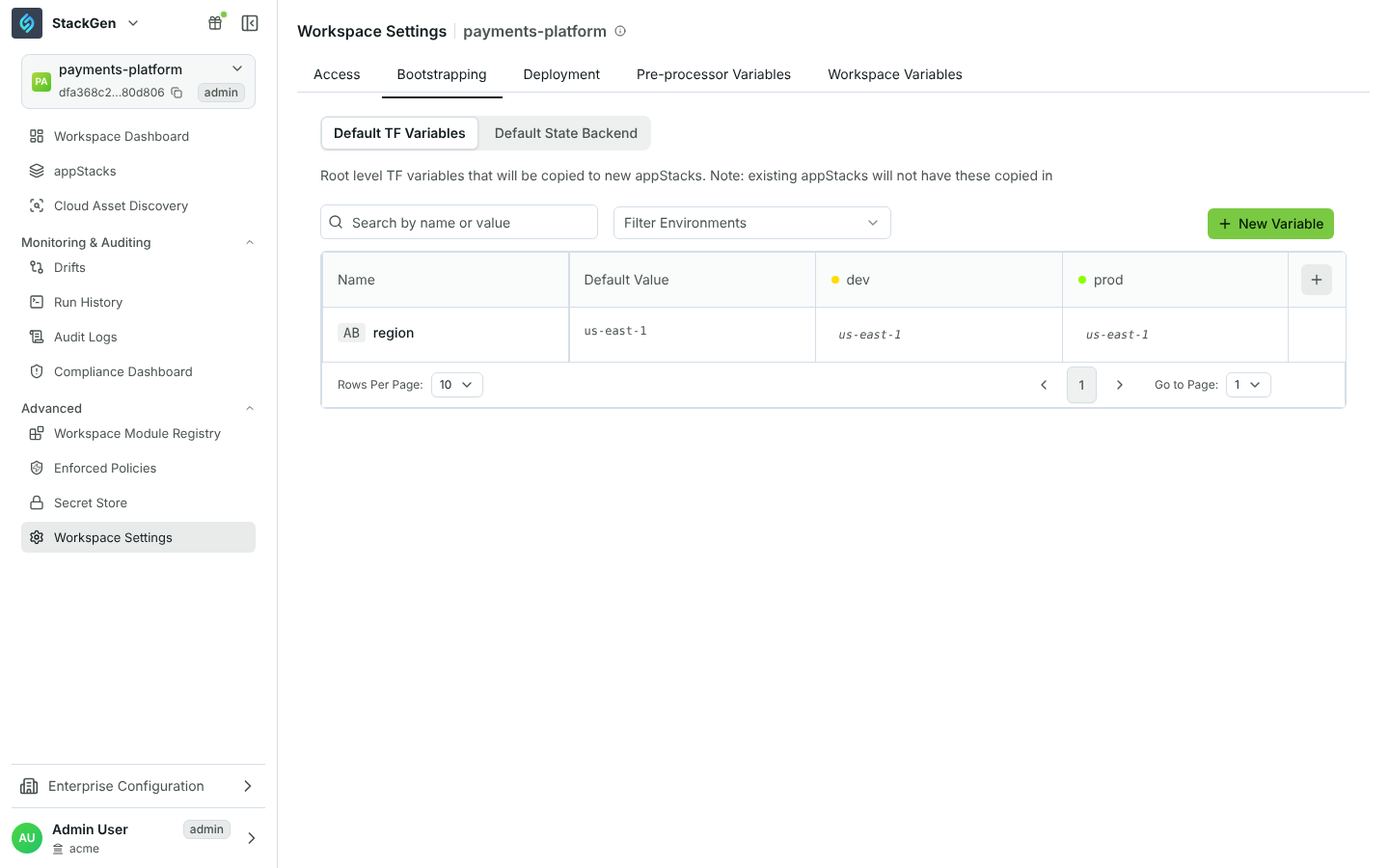
Both tables have a column per environment. If the workspace has no environments yet, the tab shows Create Environment. Add your environments (for example dev and prod) first.
For how templates reach new appStacks, see Environment Configurations.
Deployment
Deployment configures the StackGen runner, which runs plan and apply for Plan & Deploy. These values are not exported with your IaC.
- Env Variables: environment variables available to the runner during Terraform operations, per environment.
- Provider Credentials: cloud credentials passed securely to the runner. Select Attach Credentials, choose a Credential Type, then pick a Secret for all environments (Use same credentials for all existing environments) or one per environment. If the secret does not exist yet, use Add New Secret.
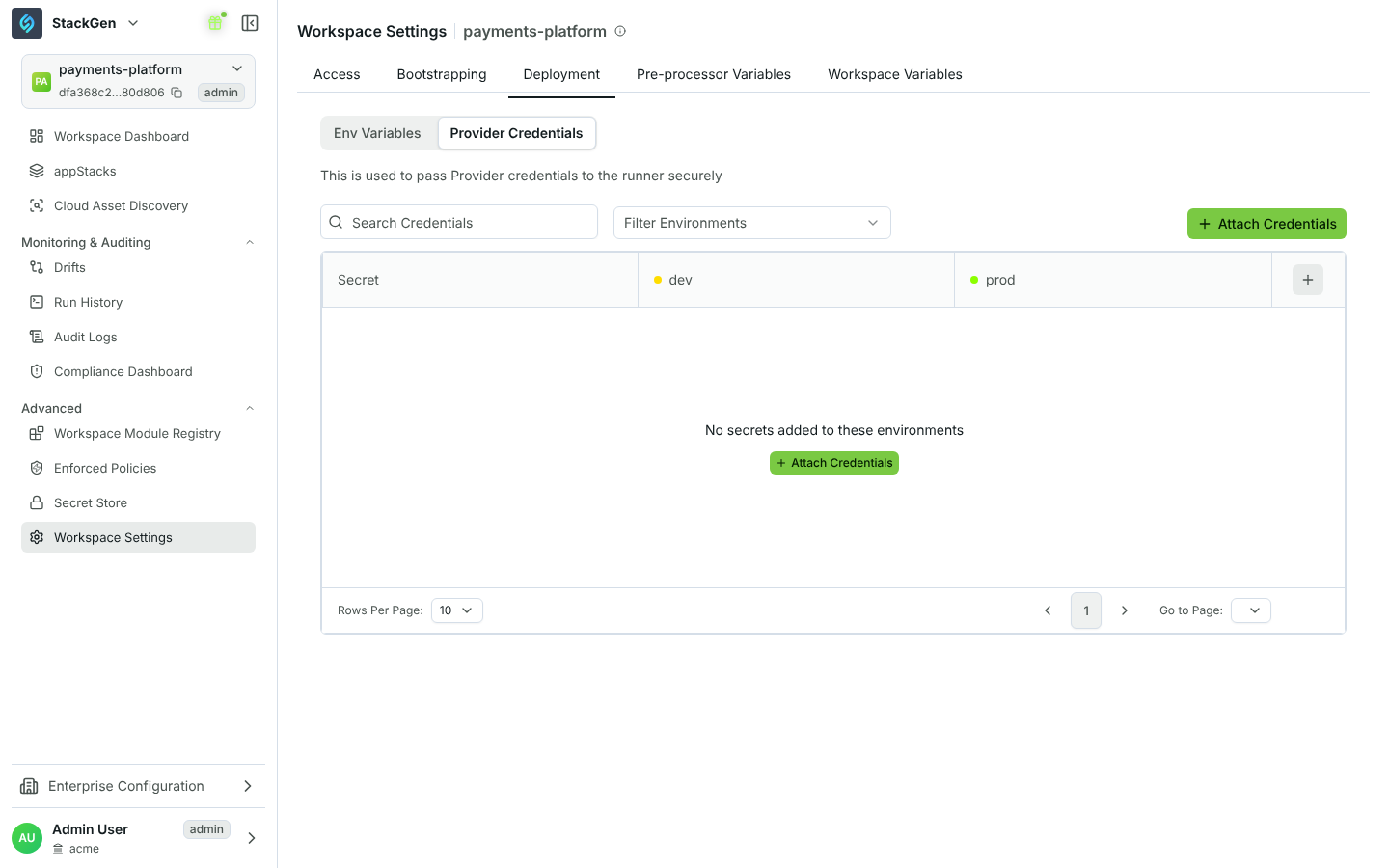
Credentials come from the Secret Store. Attaching them needs the Admin or DevOps role.
Pre-processor Variables
Pre-processor Variables are placeholders that StackGen resolves before Terraform runs. They are available to existing and new appStacks.
- Implicit Variables are built in:
<sg_appstack_id>,<sg_appstack_name>,<sg_environment>,<sg_project_id>,<sg_project_name>and<sg_tenant_id>. - User Defined Variables are your own key and value pairs. Select New Variable, enter a key such as
cost_center, a value and a description. Reference it as<cost_center>.
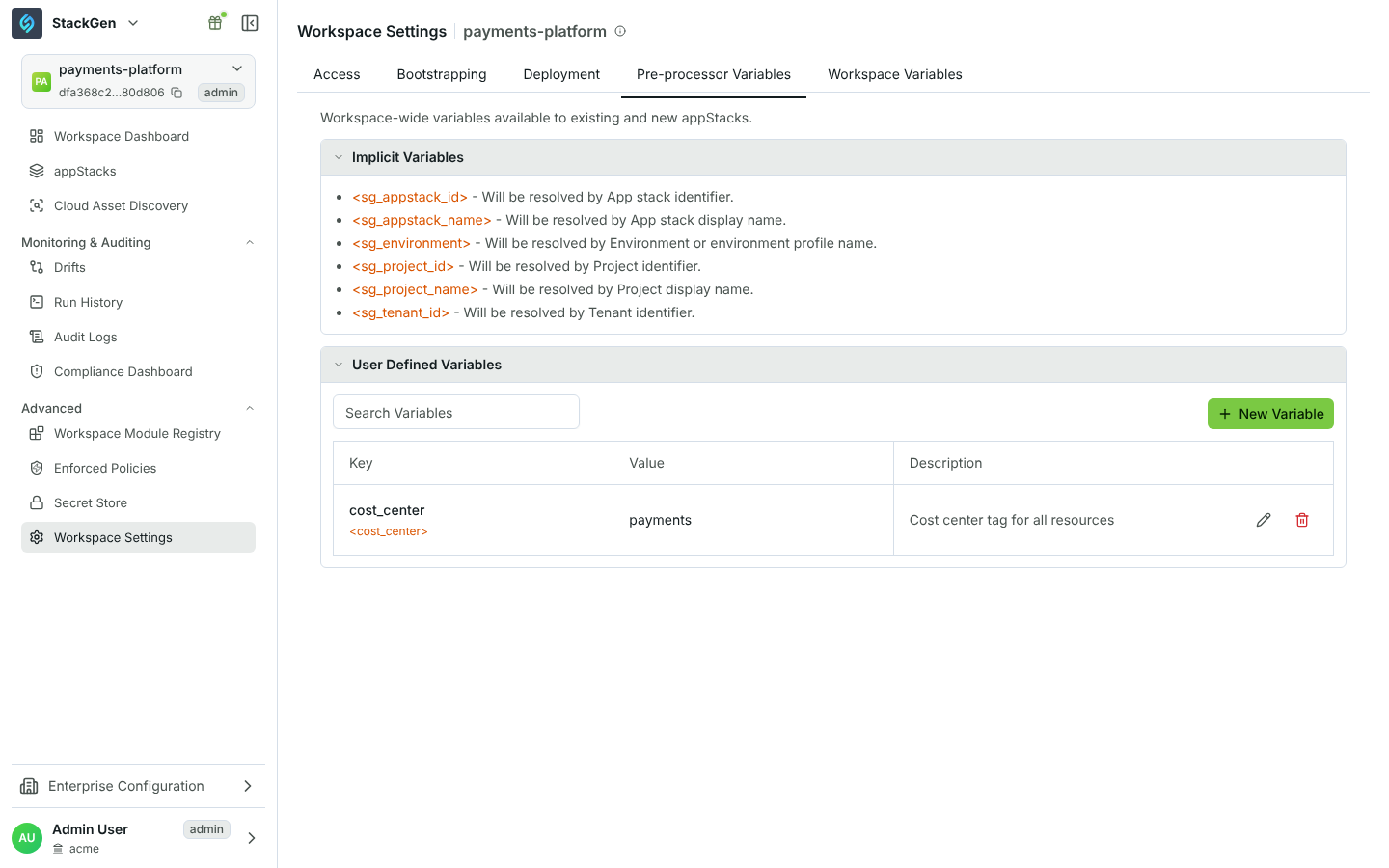
Use these placeholders in appStack Terraform variable values, for example to tag every resource with the appStack name and cost center.
Workspace Variables
Workspace Variables are shared with every appStack in the workspace and applied when Terraform is exported. Unlike Default TF Variables, they are not copied into the appStack, so changes reach existing appStacks on their next export. Values can differ per environment. If an appStack already defines a variable with the same name, the appStack's own variable is kept.
Preferences
The Preferences tab is available on request. See Feature Availability.
A value you set here overrides the enterprise value for this workspace only. See Managing Preferences.
If your UI shows Project Settings
Organizations on the earlier UI see Project Settings with the tabs Project Details, Members, SCM Configuration and Environment Configuration. In the current UI:
- Members is now Access.
- Environment Configuration > IaC Configuration is now Bootstrapping.
- Environment Configuration > Runner Configuration is now Deployment.
- Pre-processor Variables and Workspace Variables are new tabs.
See the Glossary for all renamed items.