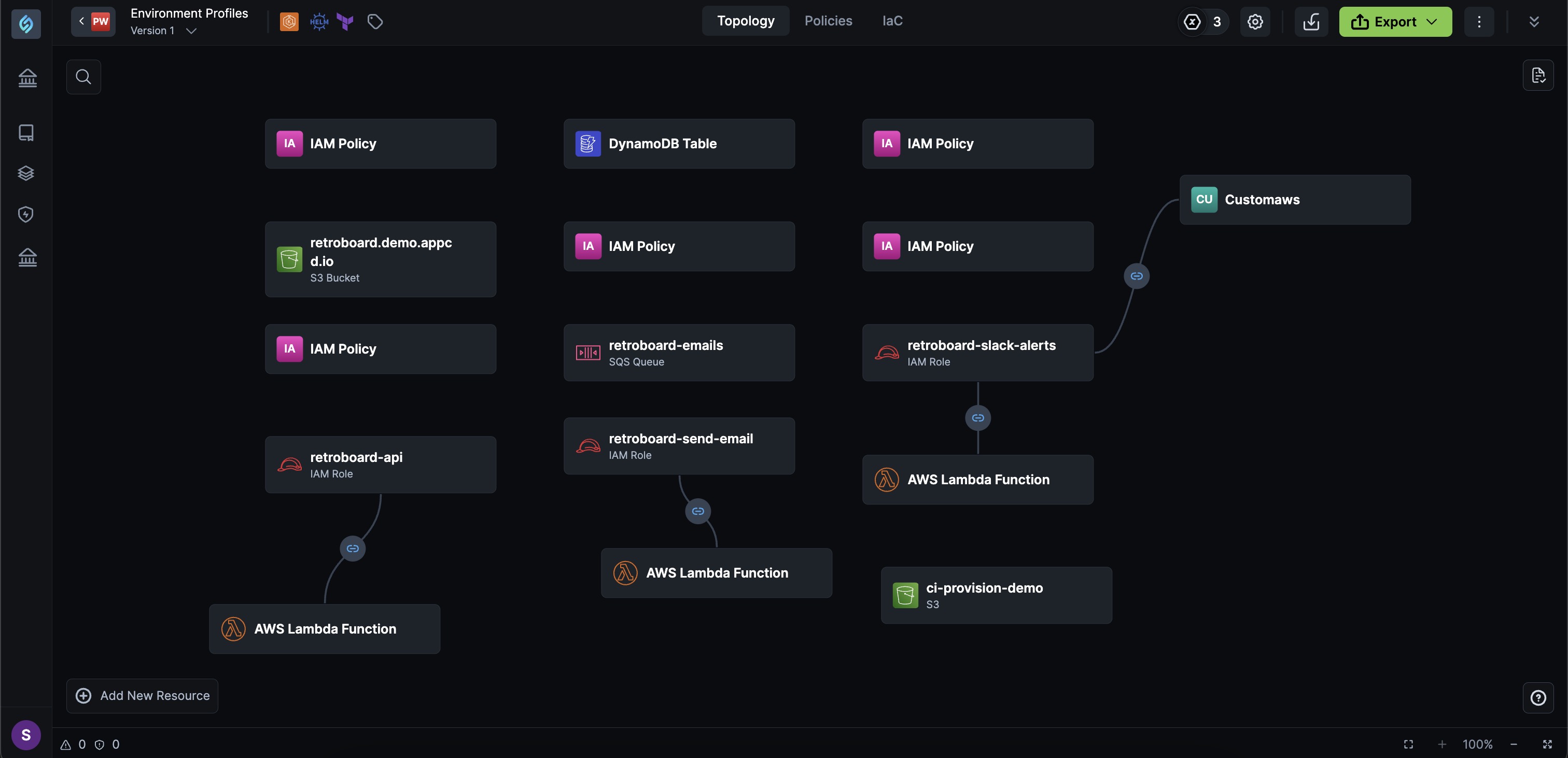
IaC from Design
IaC from Design
You can create an appStack from scratch to build a new infrastructure. Drag and drop resources, including resource packs and custom policies, to create and visualize your deployment architecture.
Follow these steps to generate secure and compliant IaC based on your opinionated path:
-
From the navigation bar on the left, click appStacks.
-
Click the + New appStack button.
-
Click From scratch.
-
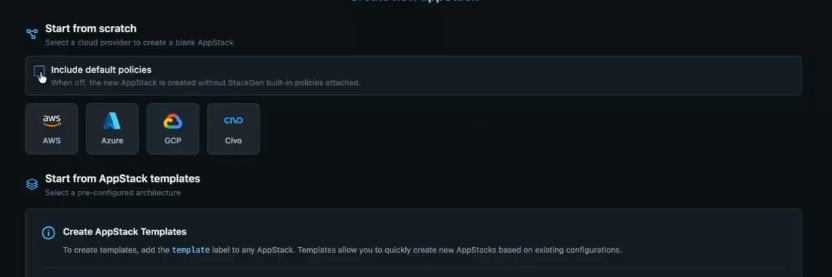
Select the target cloud service that you would like to use.
note- You can choose only one cloud service provider from the list.
- Supported cloud providers include AWS, Azure, GCP, Civo, and Oracle Cloud Infrastructure (OCI).
- Leave Include default policies on if you want StackGen built-in policies attached automatically.
- Clear Include default policies if you want to create the appStack without StackGen built-in policies.
AvailabilityOCI has no built-in modules yet. Use custom OCI modules and run plan and apply with the CLI. OCI resource icons are available in the UI.
See OCI provider early access. Provider support for OCI and a generic cloud type (for example GitHub modules) started in v2026.6.12.
-
You will be redirected to the Topology tab.
-
You can now begin creating your appStack from scratch by adding and cofiguring Resources, Resource Connections, etc.
- You can edit the appStack name and description via the edit appStack modal.
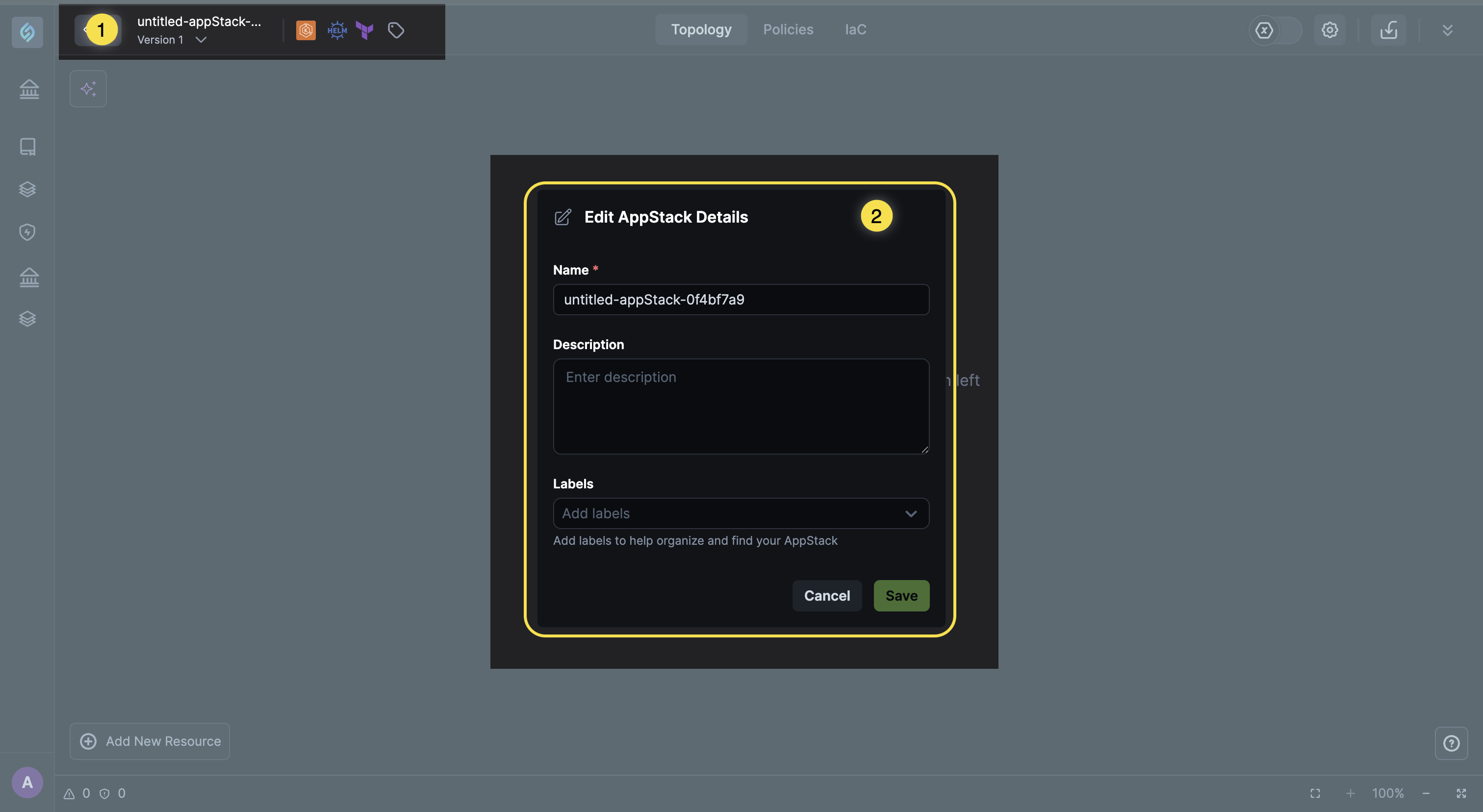
- You can edit the appStack name and description via the edit appStack modal.
-
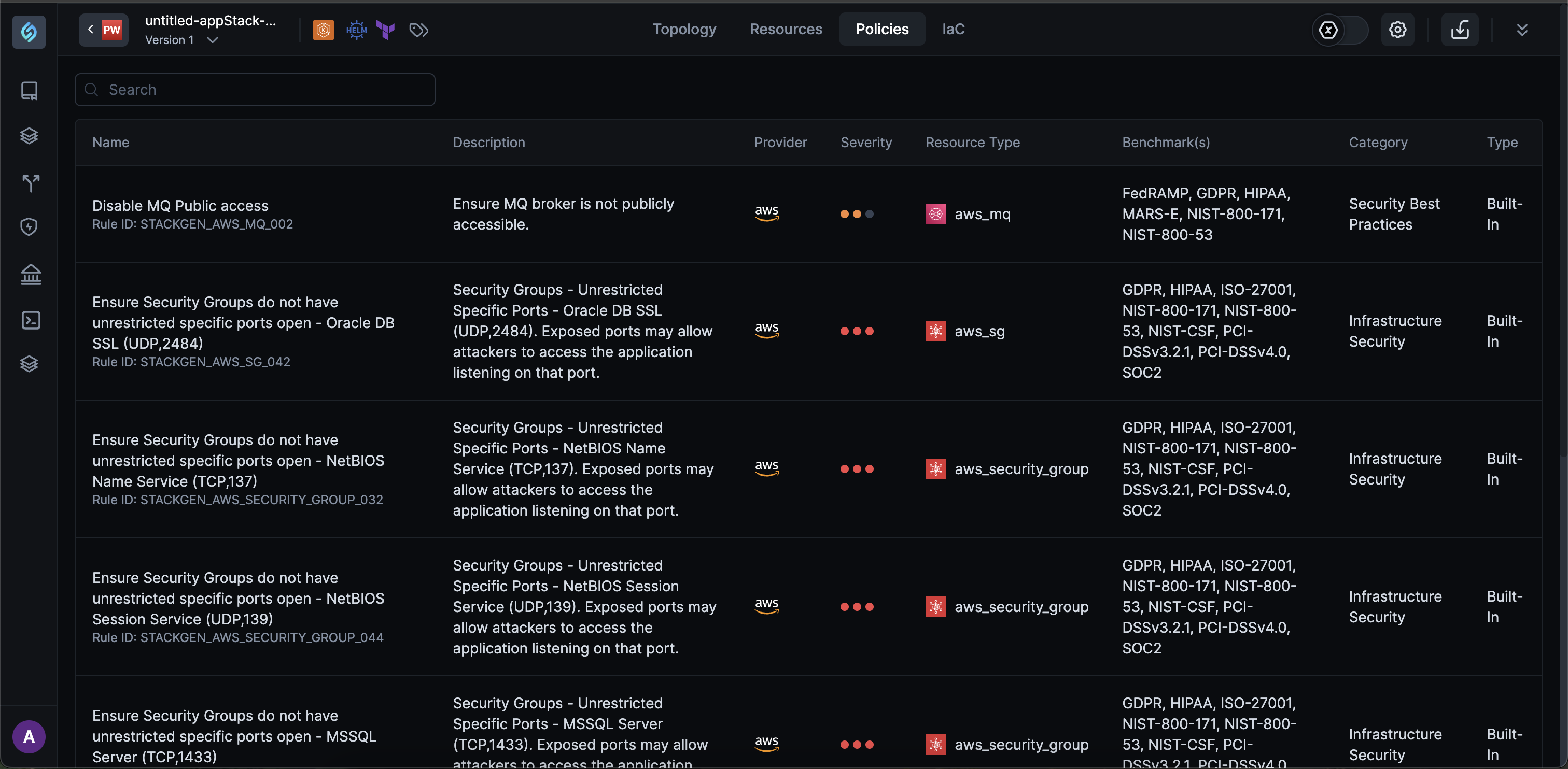
To view policies with which your IaC complies with, click the Policies tab.
 note
note- You will not be able to modify policies if a governance policy is assigned to an appStack security policy.
- You can use the search bar to search and select or unselect policies.
- Custom policies: are created and uploaded by your Admins via the CLI. These uploaded policies are then assigned to relevant projects via Governance Configuration page.