DigitalOcean
Connect Aiden with your DigitalOcean cloud platform to get intelligent assistance with resource management, infrastructure operations, and cloud optimization. Once enabled, Aiden can help you manage your DigitalOcean resources as naturally as discussing them with a cloud engineer.
Integration Capabilities
With DigitalOcean integration, Aiden can:
- Monitor and manage Droplets and compute resources.
- Track Spaces (object storage) creation and configuration.
- Review Kubernetes clusters and container deployments.
- Investigate App Platform applications and services.
- Analyze Databases and database clusters.
- Monitor networking resources like Load Balancers and Firewalls.
- Analyze DigitalOcean billing and provide cost insights.
Custom Skills
On top of the several out of the box capabilities, you can create custom skills to add additional capabilities. Here are some examples:
- Check your DigitalOcean account for a set of compliance policies.
- Setup a developer self service task to create a set of DigitalOcean resources.
- Analyze and debug connectivity issues following a specific set of checks.
Check out the Skills page for more information.
Enable DigitalOcean Integration
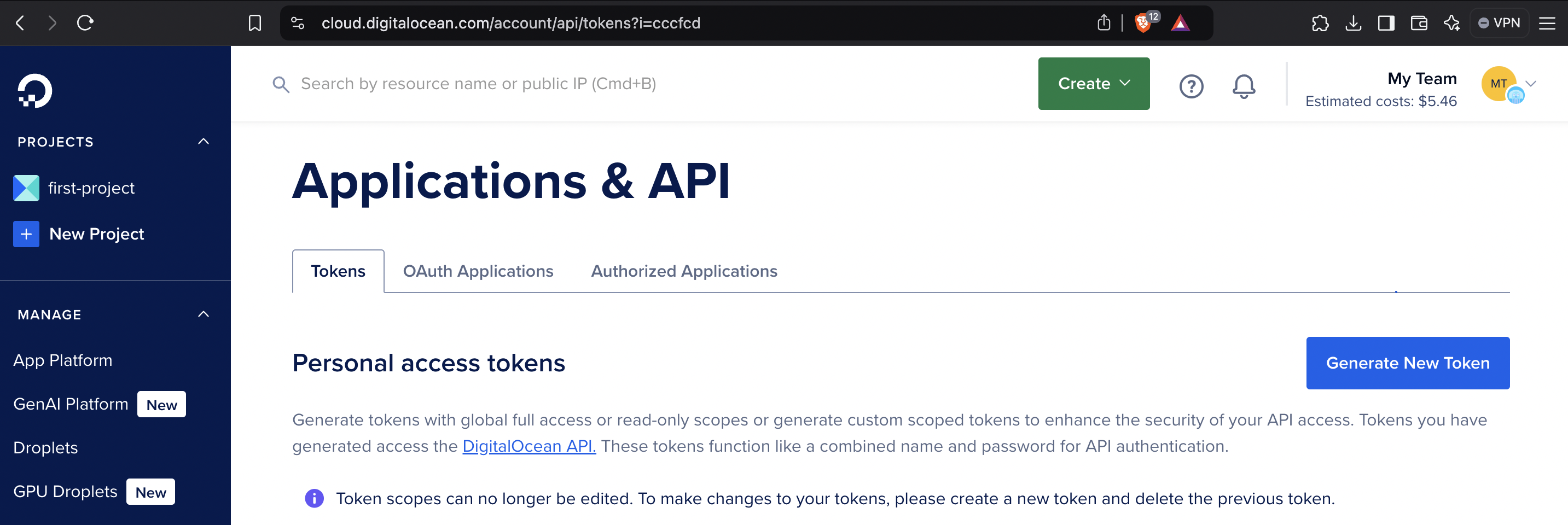
Create Your DigitalOcean Token
-
Navigate to the Digital Ocean Applications and Settings page.
-
Click the Generate New Token button and follow the on-screen instructions.
Steps to Enable DigitalOcean Integration
Follow these steps to enable the Integration:
-
From the Aiden home page, click Integrations from the navigation panel to the left.
-
Hover and click the Activate button on the DigitalOcean Integration card.
-
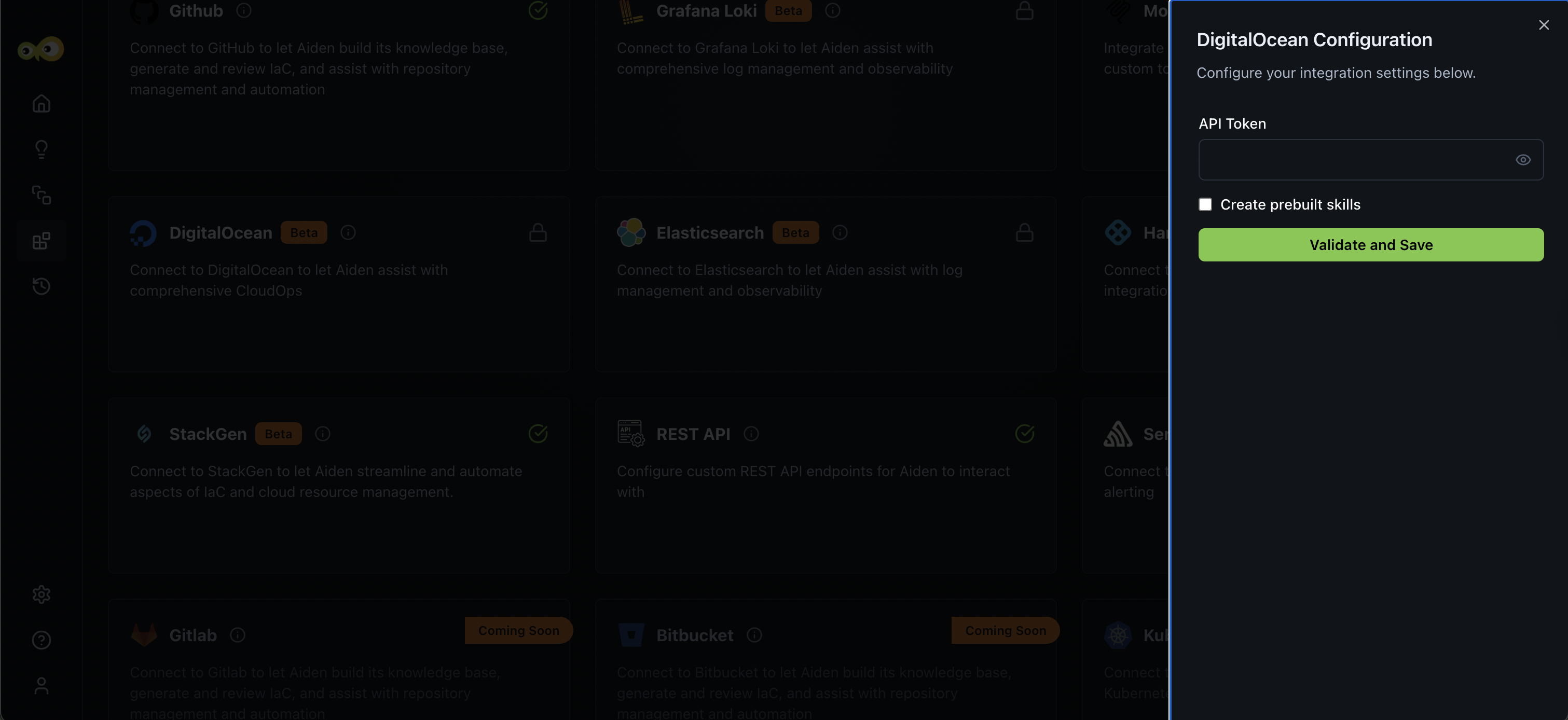
Enter the integration configuration parameters:
-
API Token: The Personal Access Token used to authenticate with your DigitalOcean account.
- You can generate this token by navigating to the DigitalOcean Control Panel > API > Tokens/Keys.
- Ensure the token has read and write permissions to allow Aiden to access and manage your DigitalOcean resources.
Security Best Practices- Create a dedicated API token for Aiden with minimum required permissions.
- Use read-only tokens if you only need Aiden to monitor resources.
- Regularly rotate API tokens (every 60-90 days recommended).
- Monitor Aiden's DigitalOcean activities through the DigitalOcean Audit Log.
- Consider using team-based access management for better control.
- Ensure your DigitalOcean API token has appropriate permissions for the tasks you want Aiden to perform. For read-only operations, a token with only read scope is sufficient.
-
Create prebuilt skills: Aiden supports pre-built skills for DigitalOcean integration. You can select the Create prebuilt skills checkbox if you want to enable these pre-built skills.
-
-
Click Save to enable the integration.
Sample Prompts
Here are a few sample prompts that you can use:
- Show me all Droplets in the development team.
- Are there any public Spaces buckets?
- What's driving our DigitalOcean costs this month compared to last?
- Scale down the staging environment Droplets.
- Review Firewall configurations in production.
- Are there any Kubernetes clusters running outdated versions?
- Why did our bandwidth usage spike last week?
- Provision a new web server with Nginx in the NYC3 region.