CoreDNS
StackGen's [Kubernetes agent](../../Collecting Telemetry/Install the OpsVerse Agent#VEqXM) can be used to collect metrics from CoreDNS running in your Kubernetes Cluster.
Prerequisites
- StackGen Agent should be running in the same cluster where CoreDNS pods are running
Configuration
Add the following YAML snippet to the agent's values.yaml and run the agent based on these [instructions](../../Collecting Telemetry/Install the OpsVerse Agent#VEqXM).
observe-agent:
  victoria-metrics-agent:
    extraScrapeConfigs:
      - job_name: 'coredns'
        kubernetes_sd_configs:
          - role: pod
        relabel_configs:
          - source_labels: [__meta_kubernetes_pod_label_k8s_app]
            action: keep
            regex: kube-dns
warning
If you already have an extraScrapeConfigs block defined in victoria-metrics-agent in your values.yaml, you can simply append the job to the end of the existing config
Visualization
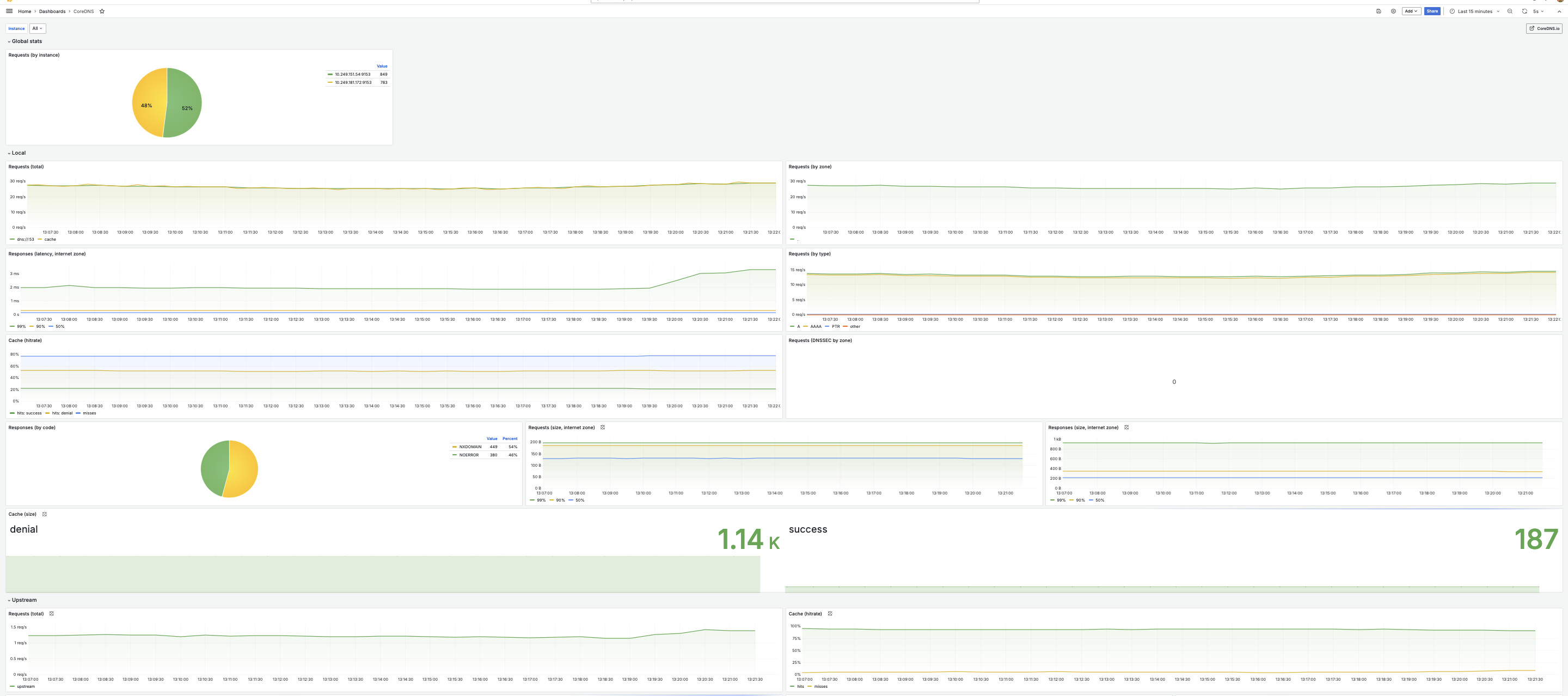
You can use the community-provided CoreDNS Grafana dashboard to visualise your CoreDNS metrics