Known Issues – September 2025
September 2025
We've listed all the Known Issues for the September 2025 release here. Once these issues are resolved in a future release, they will be included under the Bug Fixes section of the Release Notes.
- Unable to Reset
Manage Master User Passwordto-select-for AWS DB Instance - Modules Created via Module Editor Cannot Be Deleted From Projects
- All Files Moved to terraform Directory When Export Preference Set to Root
In-ProgressUnable to Reset Manage Master User Password to select for AWS DB Instance
Click to view
Summary: For the aws_db_instance_composite resource, once the Manage Master User Password value is set to true or false, it cannot be reverted to -select- from the Resource Configuration pane. The IaC does not update to reflect the reset action.
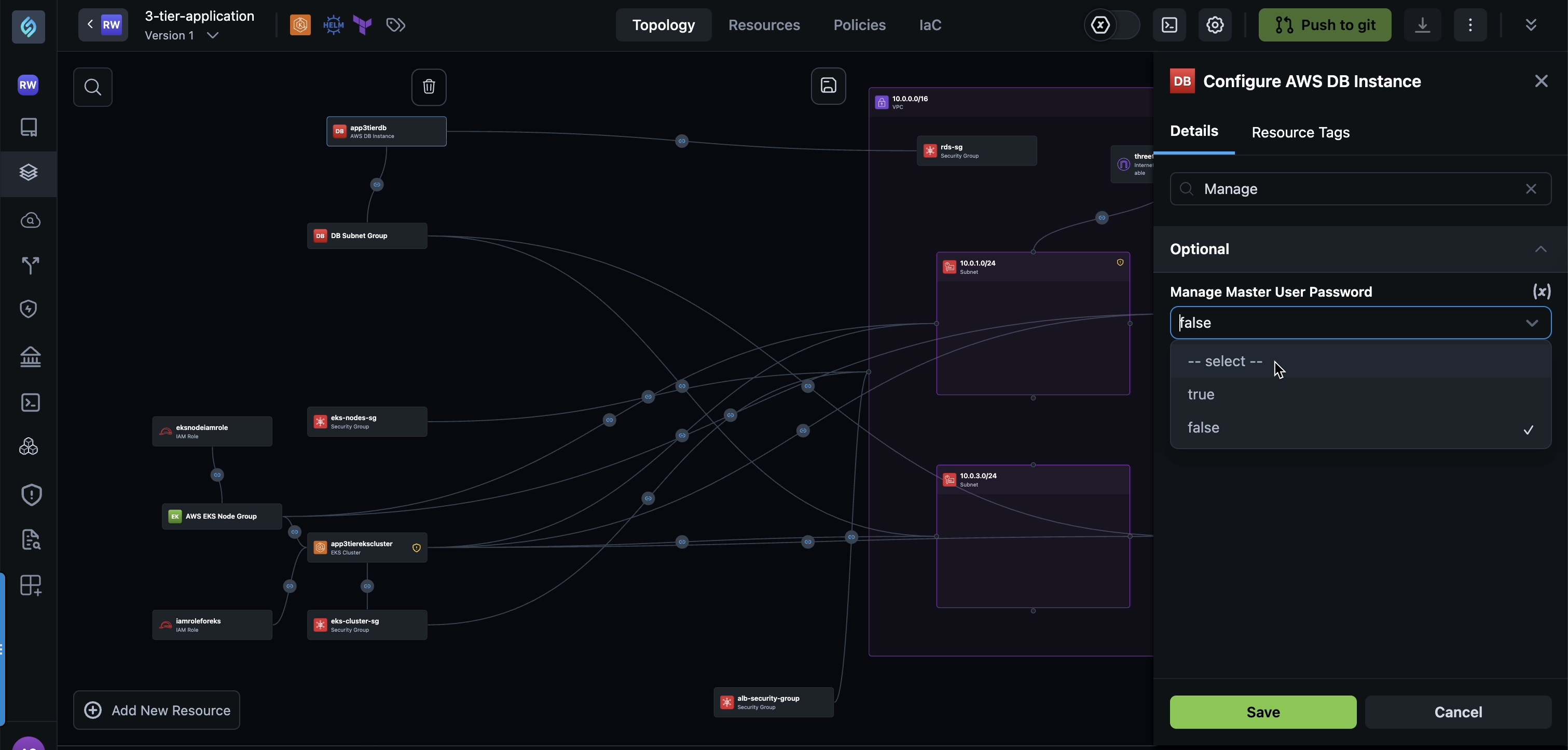
Cause: The StackGen configuration handling logic for aws_db_instance_composite does not currently support reverting the Manage Master User Password field to its default -select- state once a value has been defined.
Workaround: This is a known limitation. To update the configuration, you can manually modify the IaC definition or recreate the resource with the desired setting. Support for resetting the field to -select- will be fixed in a future release.
In-ProgressModules Created via Module Editor Cannot Be Deleted From Projects
Click to view
Summary: Modules that are created and published through the Module Editor cannot be deleted when they are part of a Project. The delete action fails and displays an error message. However, deleting the same module from the Personal Workspace works as expected.
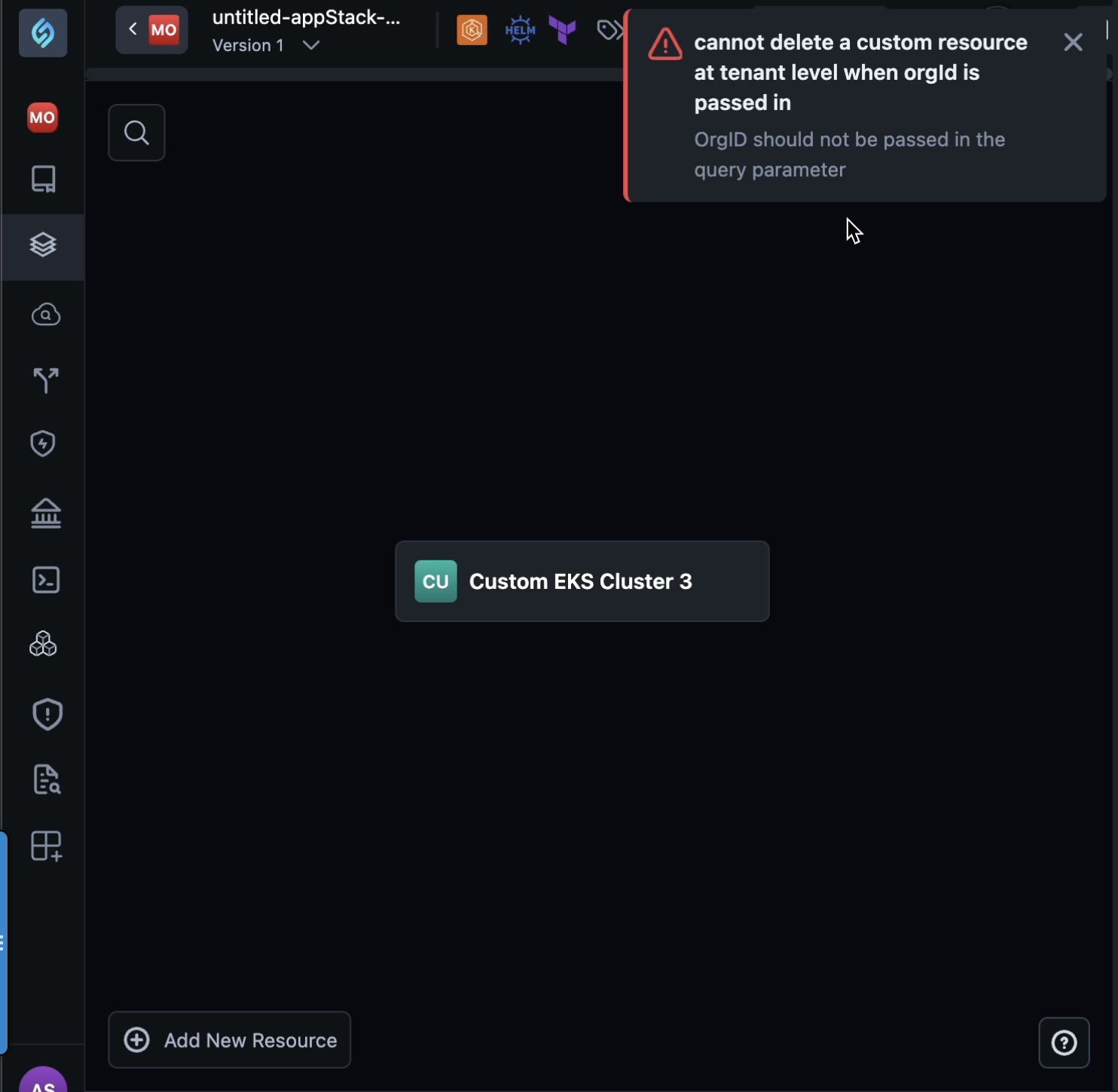
Cause: The deletion flow for modules within a Project is not correctly synchronized with the Module Editor publishing logic. As a result, module deletion requests from the Project context are not processed successfully.
Workaround: This is a known limitation. To delete such modules, navigate to your Personal Workspace and delete the custom module from there. Issue with deleting modules directly from the Project will be fixed in a future release.
In-ProgressAll Files Moved to terraform Directory When Export Preference Set to Root
Click to view
Summary: When you create an appStack from an imported script (for example, Brownfield import) and set the preference for export directory to . or root, all files, including other user-created files, are moved into a Terraform directory.
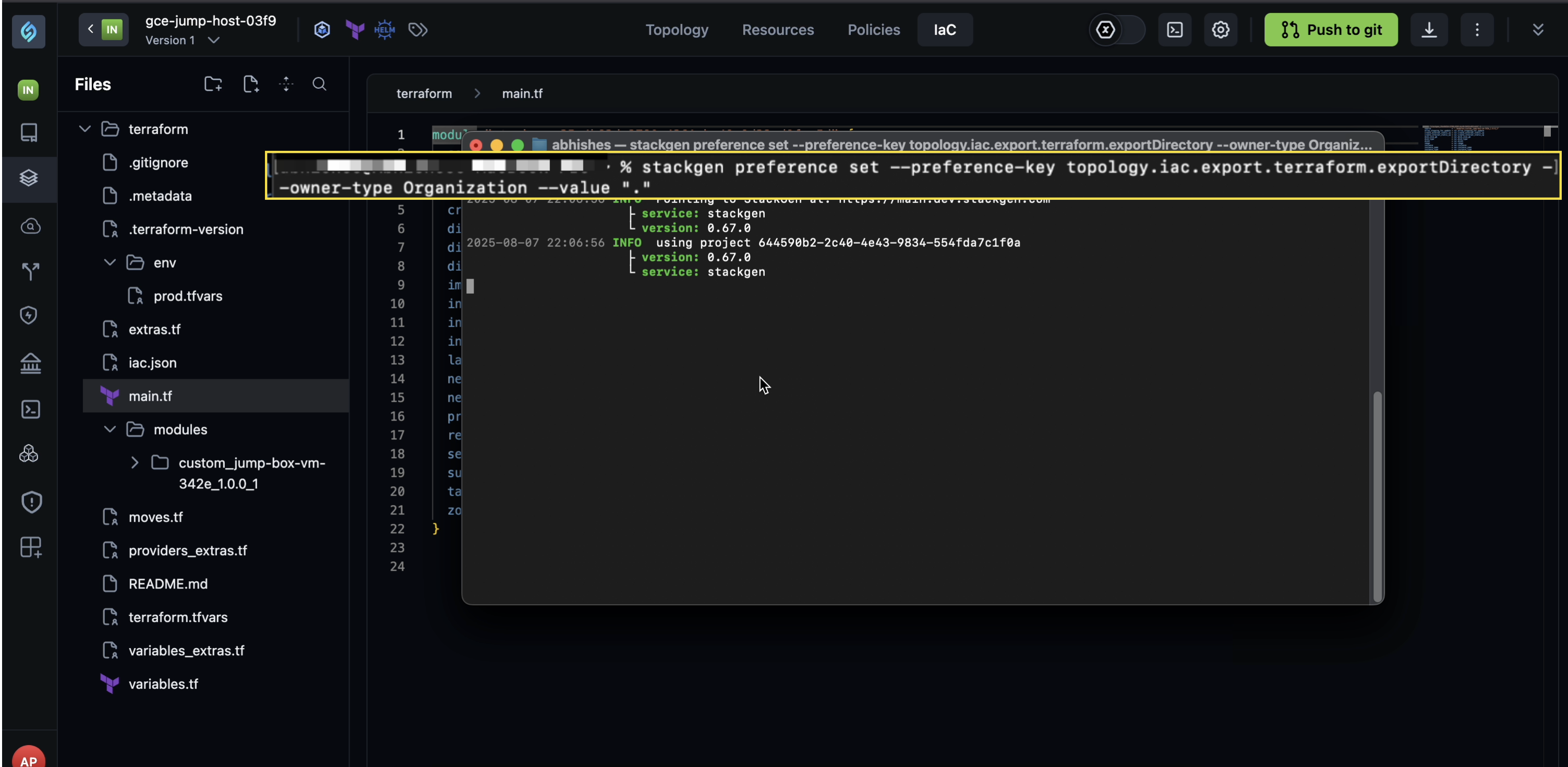
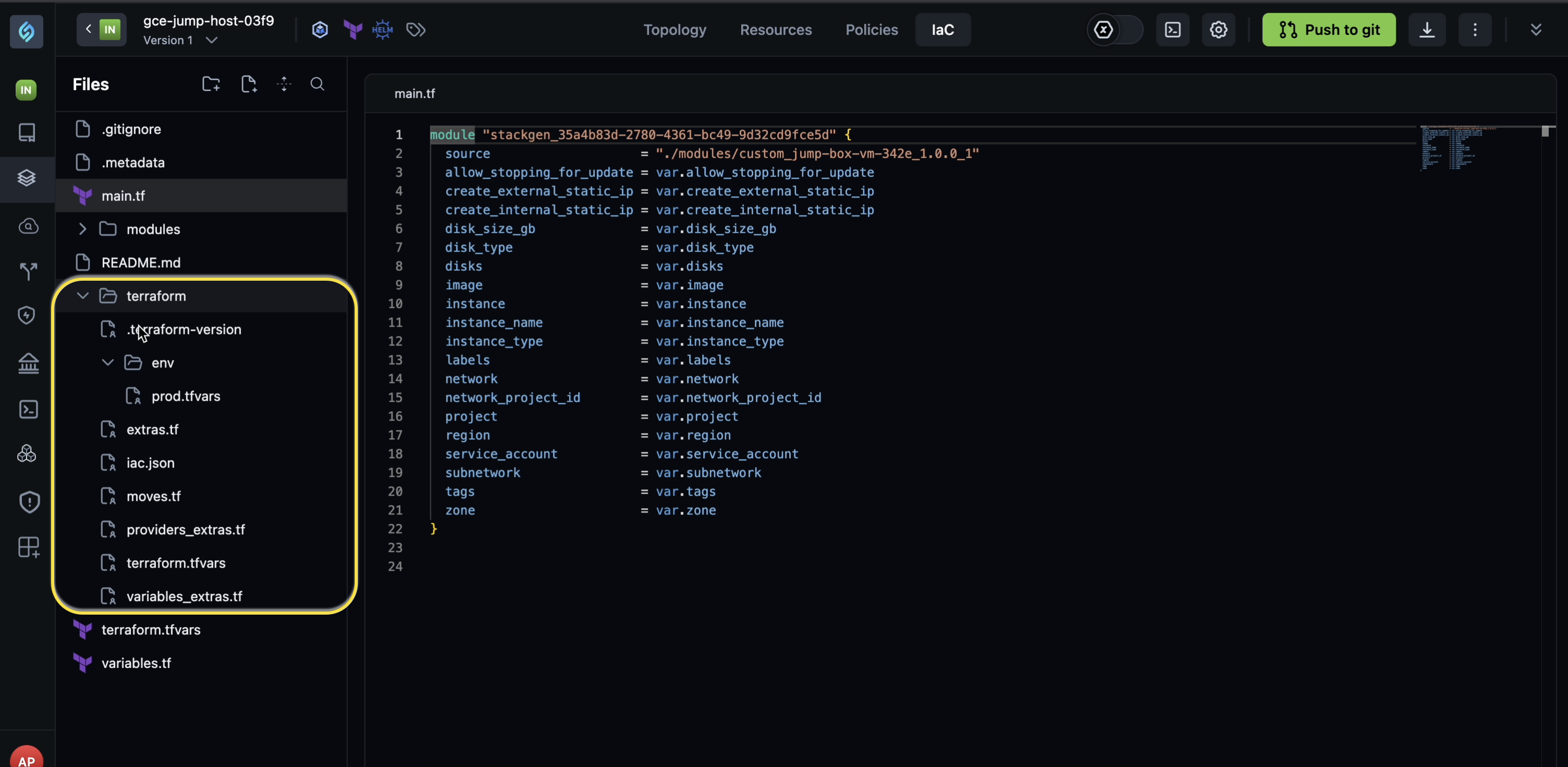
Cause: The cause of this issue is currently unknown. The export logic moves all files into a Terraform folder, even when you have set the export directory to root.
Workaround: There is no known workaround at the moment. We are investigating the issue and will update this section when we have more information on the root cause and a solution.